Guests judge a hotel by details, and the in-room TV is one of them. Freezing channels or a confusing menu quickly turn into poor reviews. An IPTV encoder is the device that makes reliable hotel TV over the building’s network possible. Here, the trimixiptv team walks through how hotel encoders fit into a TV system, how to size one, and the questions to ask suppliers before you buy.
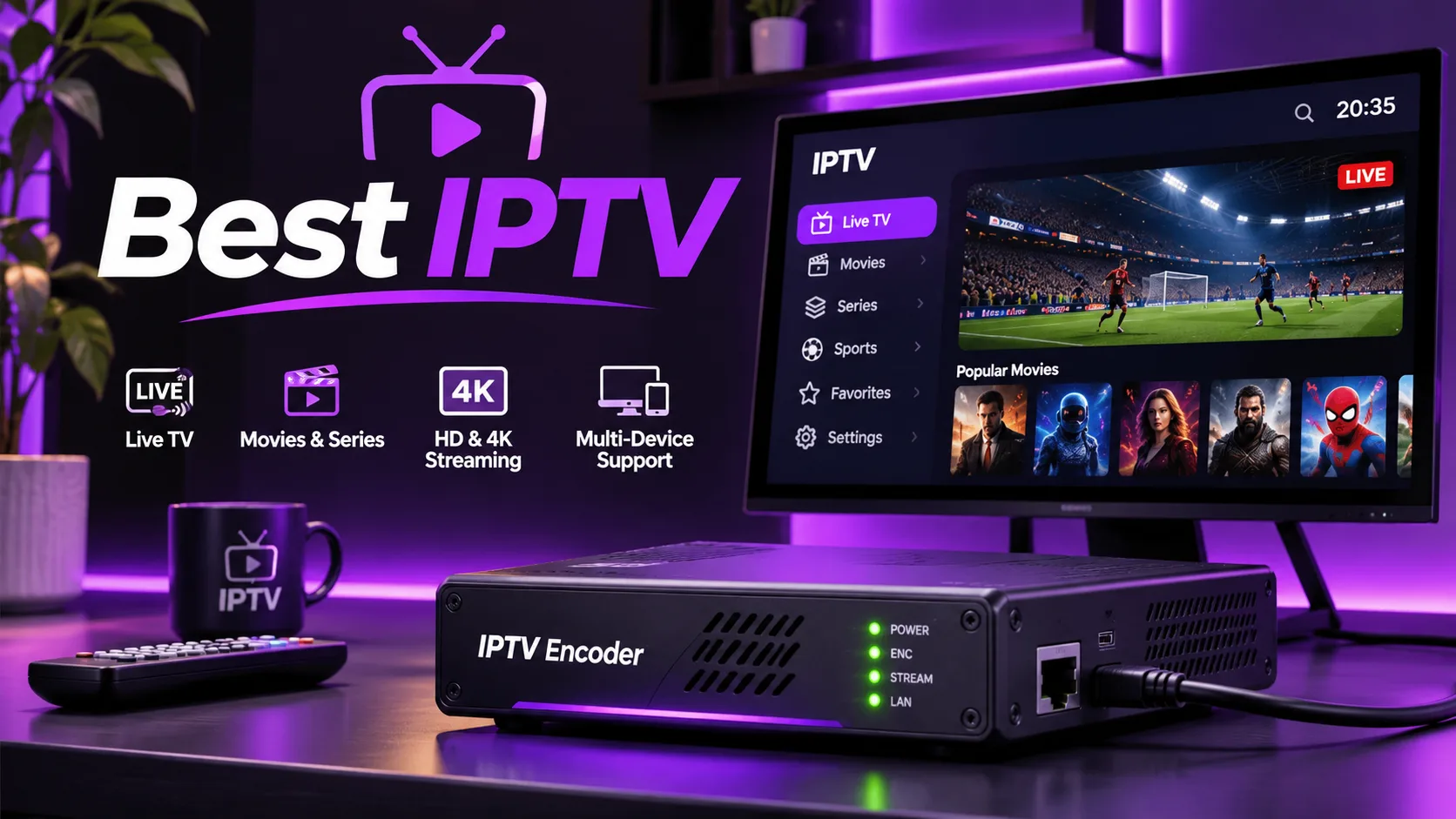
Where the Encoder Sits in a Hotel TV System
A hotel TV system has three layers. Sources such as satellite receivers, terrestrial tuners and HDMI devices provide the channels. The encoder turns each source into an IP stream. The distribution layer, made up of network switches, middleware and room TVs or set-top boxes, delivers those streams to every room and shows a branded channel guide.
Sizing an Encoder for Your Property
Start with the channel list rather than the room count. Each channel needs encoding once, then multicast delivers it to any number of rooms. A 120-room hotel offering 40 channels therefore needs capacity for 40 channels, not 120 rooms.
| Channels offered | Encoder approach | Approx. network load (HD) |
|---|---|---|
| 10–20 | One compact multi-channel unit | 40–160 Mbps |
| 20–60 | One or two rack encoders | 80–480 Mbps |
| 60+ | Modular chassis with spare cards | Gigabit backbone recommended |
Hardware or Software?
Dedicated hardware encoders are built to run 24/7, often with dual power supplies and hot-swappable modules, which suits hotels. Software encoders on servers are flexible and cheaper to start with but need careful maintenance and monitoring. Most hotels choose hardware for live channels and software only for extras such as event streams.
Questions to Ask Suppliers
- How many channels per unit, and can capacity be expanded later?
- Which codecs are supported (H.264, H.265) and at what bitrates?
- Is multicast with IGMP fully supported?
- What redundancy options exist for power and network?
- Does it integrate with our middleware or smart TV platform?
- What remote monitoring and alerting is included?
- What warranty, firmware updates and support response times apply?
Installation Checklist
- Confirm content licences for guest distribution.
- Upgrade switches to support IGMP snooping and enough capacity.
- Place the encoder in a ventilated rack with UPS backup.
- Configure bitrates generously for sport channels.
- Test channel changes, audio sync and picture quality in sample rooms.
- Train staff to restart or check the system quickly.
Benefits for Guests and Staff
- Sharper picture and faster channel changes than old coax systems
- Branded welcome screens and hotel information on every TV
- One network for TV and internet, reducing cabling costs
- Remote management that cuts maintenance visits
Where Hotel TV Is Heading
Expect more 4K channels using H.265, casting from guests’ phones to room TVs, and cloud-managed headends that suppliers can monitor remotely.
Frequently Asked Questions
How many rooms can one encoder serve?
With multicast, room count matters less than channel count and network capacity; one well-sized encoder can serve hundreds of rooms.
Is a hotel system like a home service such as trimixiptv?
No. A hotel encoder distributes licensed channels inside one property. trimixiptv is a ready-made service that streams live TV, sport and films over the internet to individual homes.
Final Thoughts
Size by channels, insist on multicast and redundancy, and sort out licensing before launch. Do that and your hotel TV will quietly impress guests. Looking for TV at home instead? Explore the trimixiptv plans or more guides on the trimixiptv blog.