Getting IPTV is easier than most people think: no engineer, no dish and no long contract. In this guide, the trimixiptv team explains what you need, the steps from choosing a provider to watching your first channel, and the checks that separate a reliable service from a frustrating one.
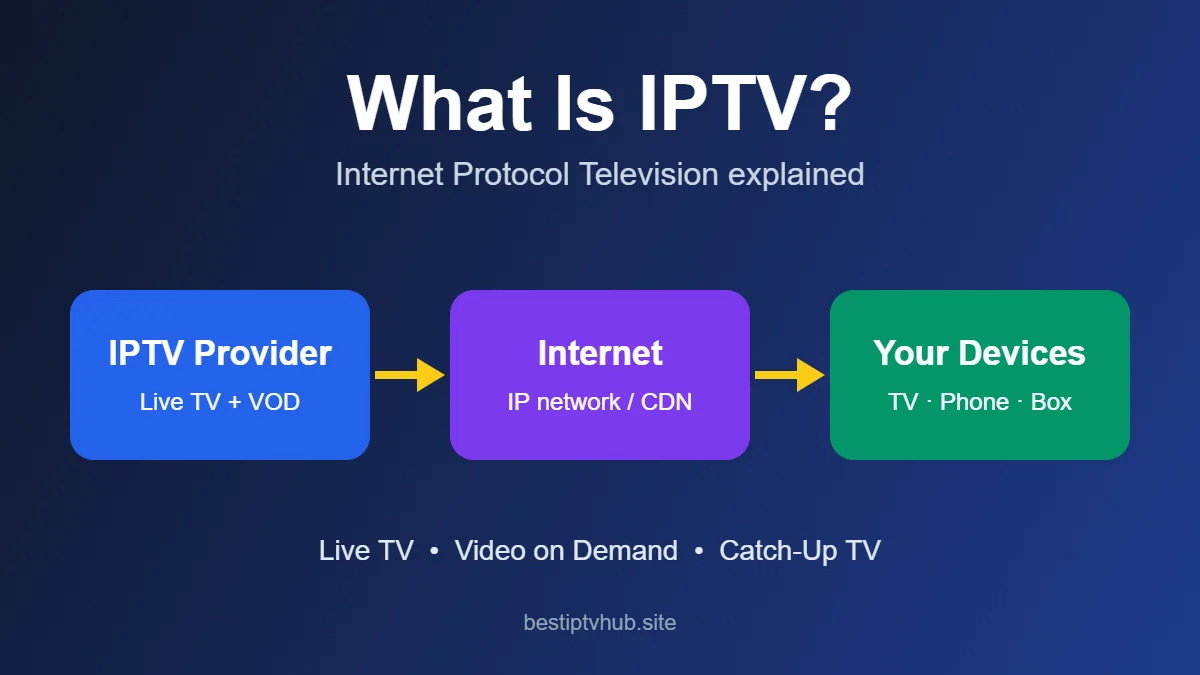
IPTV in One Minute
IPTV delivers live TV, films and series over your internet connection. A player app on your TV, stick or phone receives the streams using login details from your provider. Because everything comes through the internet, you can watch on many devices and even while travelling.
IPTV vs Cable vs Satellite
| Cable | Satellite | IPTV (e.g. trimixiptv) | |
|---|---|---|---|
| Installation | Technician, box | Dish on the wall or roof | An app, set up in minutes |
| Contract | Often 12–24 months | Often 12–24 months | 3, 6 or 12 months |
| Devices | Mainly one TV | Mainly one TV | TV, stick, phone, tablet, PC |
| On-demand | Limited | Limited | Large library included |
What You Need
- A compatible device: Smart TV, Firestick, Android box, phone, tablet, PC or MAG box
- Stable internet: about 10 Mbps for HD, 25 Mbps or more for 4K
- A player app such as IPTV Smarters or TiviMate
- A subscription from a reliable provider
7 Steps to Get IPTV
- Check your connection with a quick speed test.
- Pick a provider that offers a free trial and real support.
- Request the trial and test on your own devices at peak times.
- Choose a plan length: 3, 6 or 12 months with trimixiptv.
- Pay and receive your login, usually within minutes.
- Install a player app on your device.
- Sign in and start watching, then add your favourite channels.
Setting Up on Popular Devices
Firestick
Install the Downloader app, use it to install a compatible player, then enter your login.
Samsung and LG TVs
Install a supported player from the TV store and send your provider the MAC address it shows.
Android and iPhone
Download a player app from the Play Store or App Store and log in.
MAG boxes
Send the box’s MAC address to your provider and enter the portal link they return.
How to Choose a Good Provider
- A free trial so you can test before paying
- Stable streams during big live events
- A clear channel list and on-demand library
- Fast human support, ideally on WhatsApp
- Transparent pricing and renewal
Is IPTV Legal?
IPTV technology is legal and widely used. What matters is whether a provider has the rights to the content it offers, so choose services carefully and avoid anything that seems too good to be true.
Quick Fixes for Common Issues
- Buffering: use a cable, restart the router and close other streaming apps.
- Login errors: re-enter details carefully and confirm your plan is active.
- Missing TV guide: refresh the EPG in your player settings.
Frequently Asked Questions
How quickly can I get IPTV?
With trimixiptv, most customers are watching within minutes of ordering.
Can I use IPTV on more than one TV?
Yes. Install the app on each device; simultaneous streams depend on your plan.
Final Thoughts
Getting IPTV comes down to a good connection, the right app and a provider you can trust. Ready to start? Ask for a free trial, compare the trimixiptv plans and find more help on the trimixiptv blog.